SSH Profiles for Termux

descriptionStandard

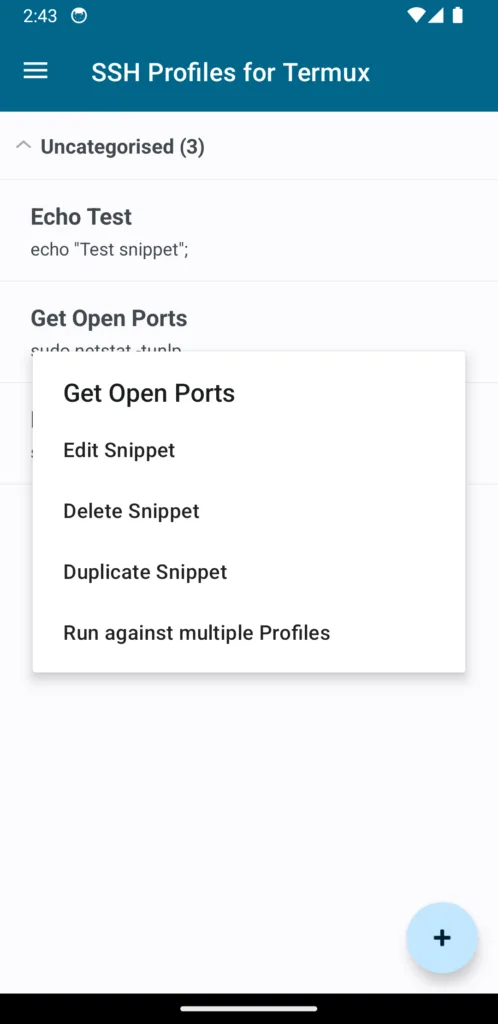
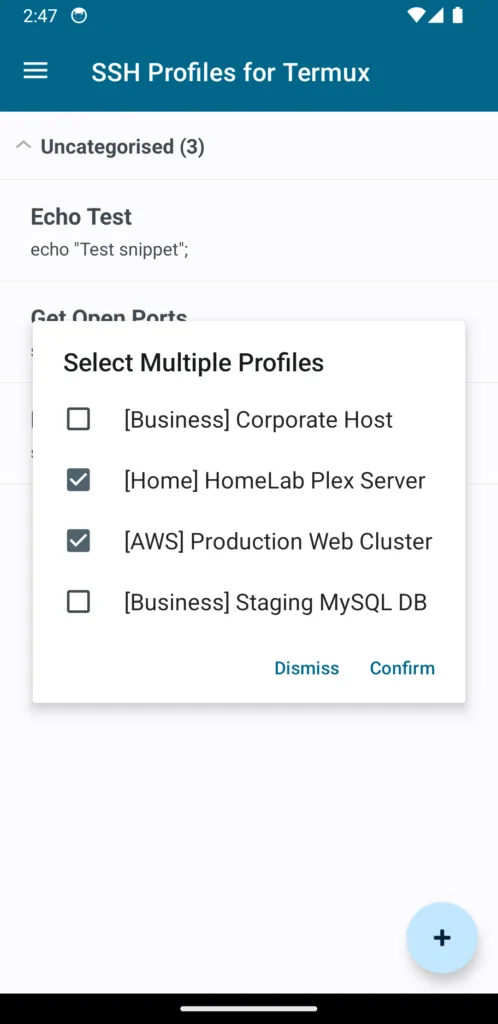
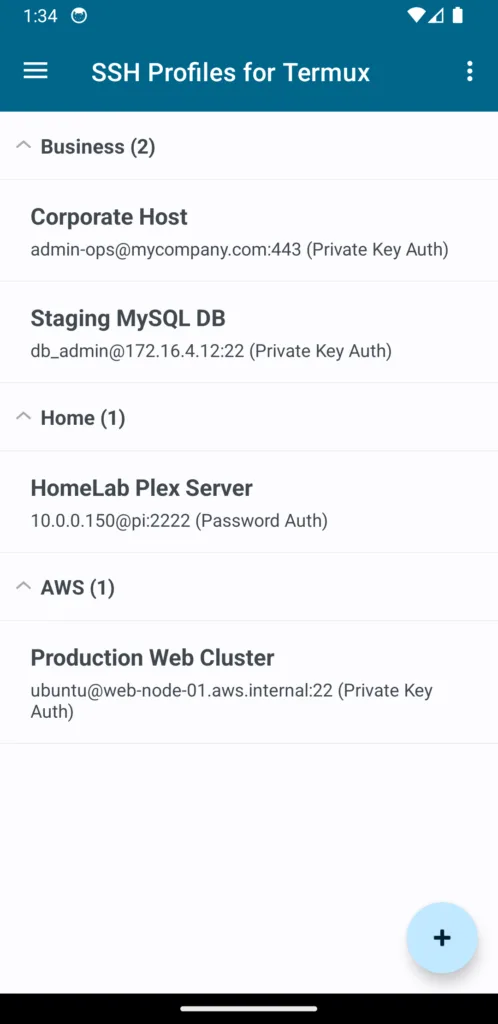
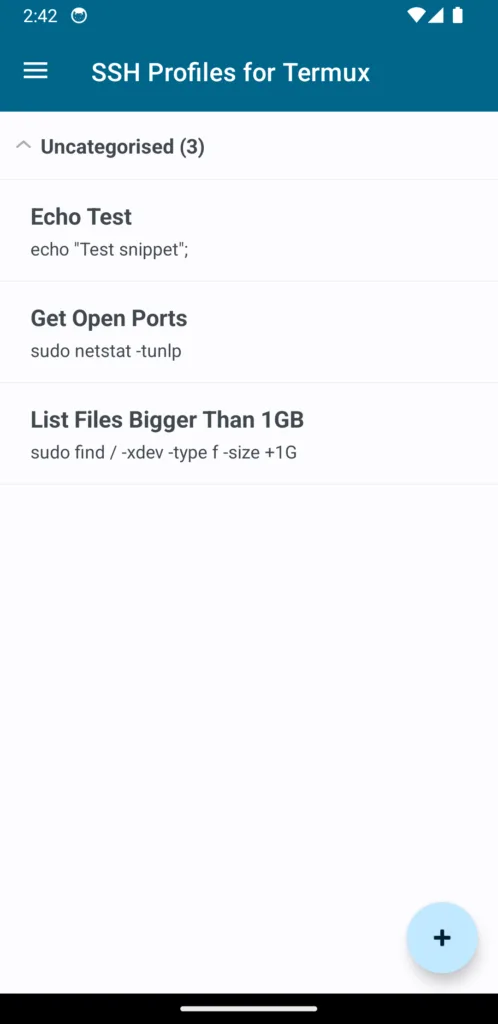
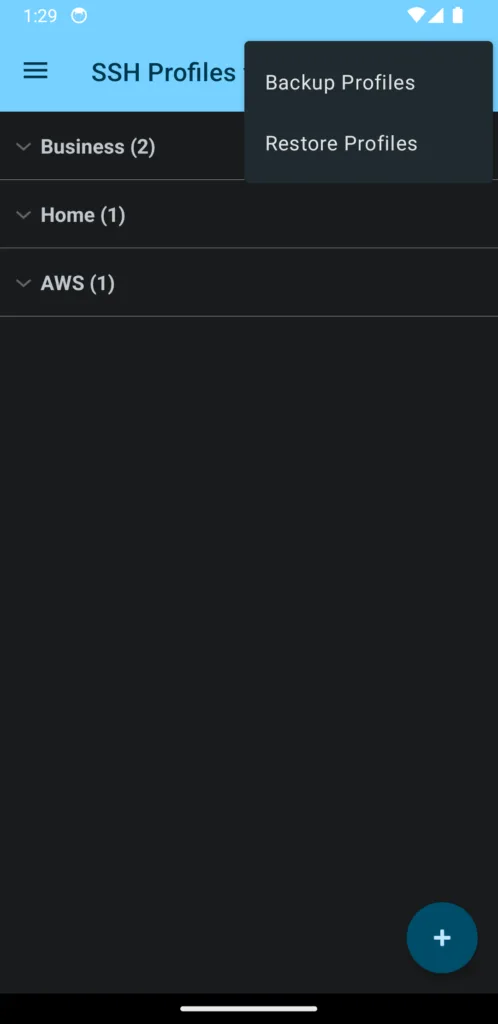
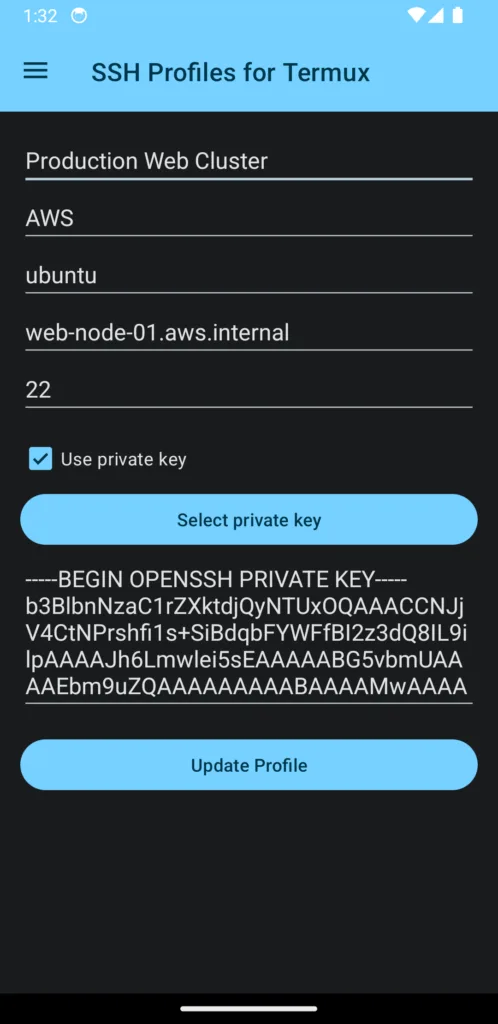
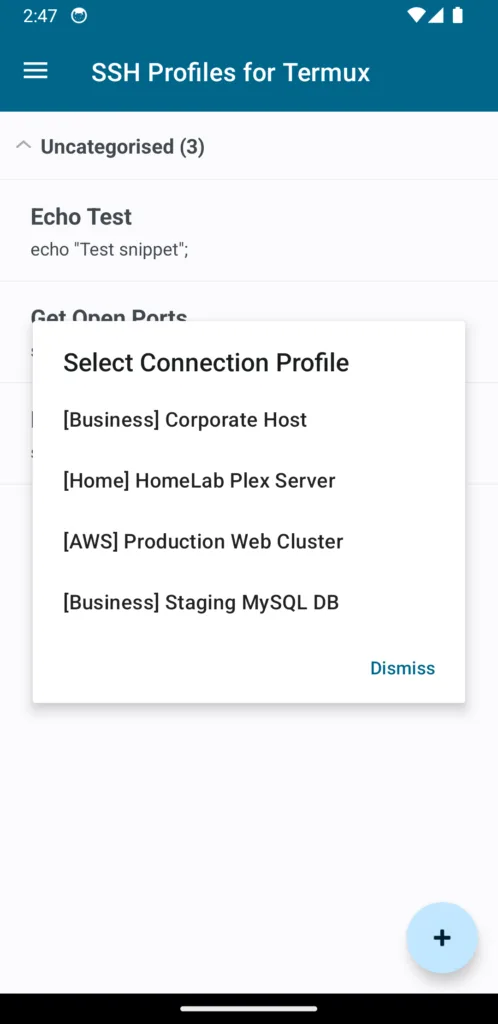
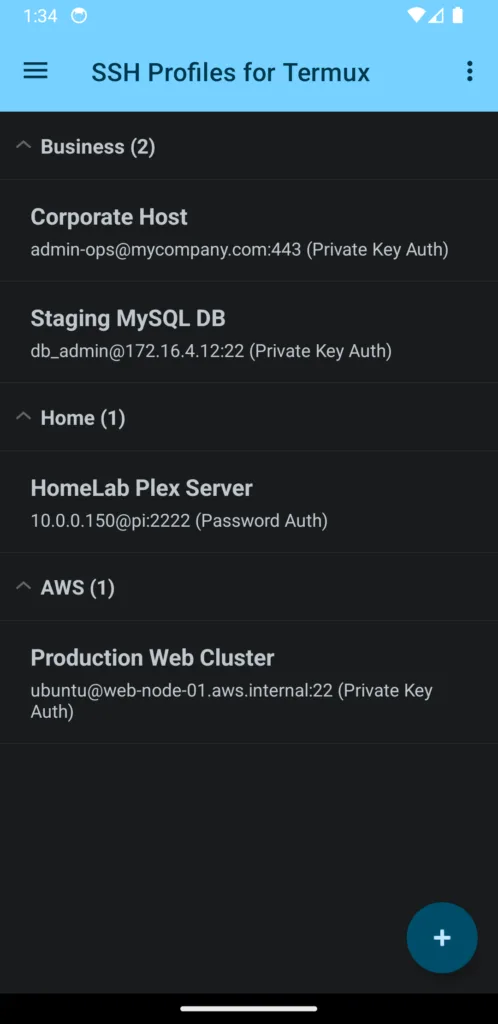
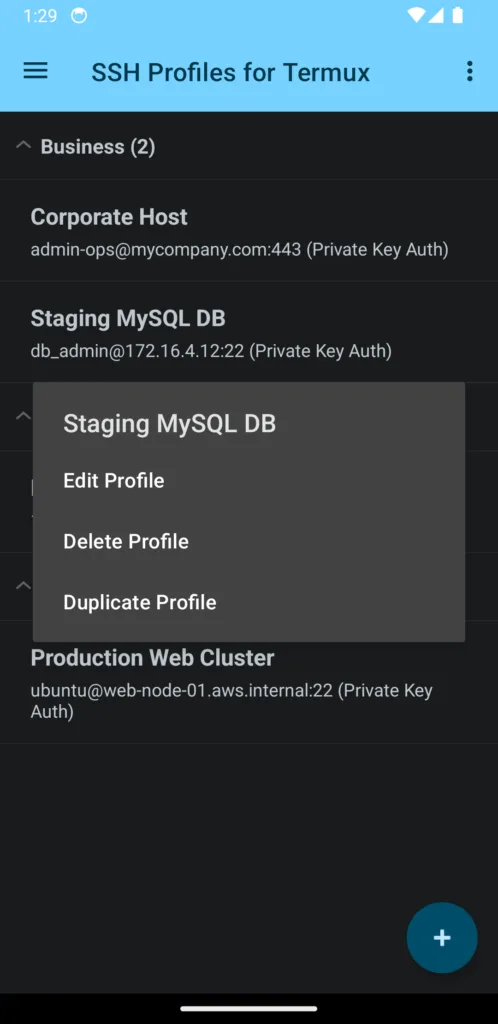
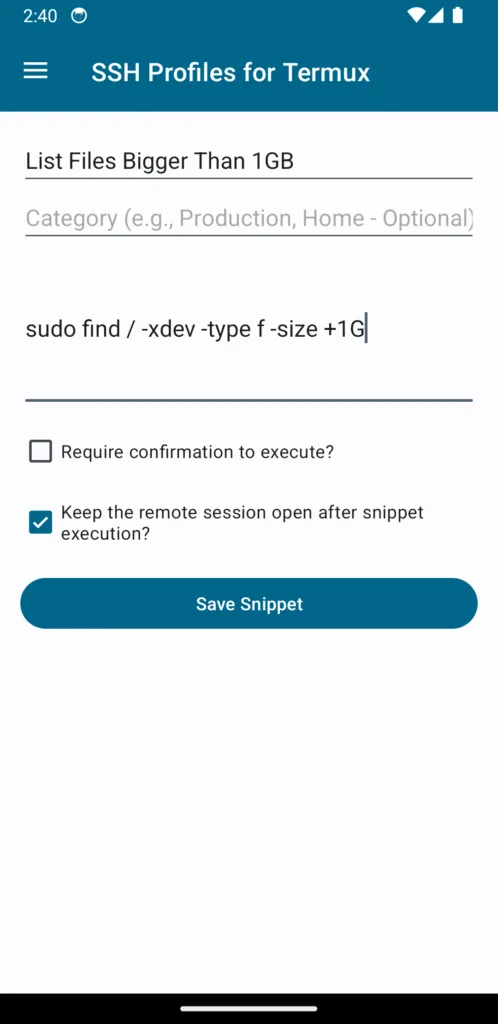
Streamline remote server management with SSH Profile Manager for Termux. If you frequently use SSH within the Termux environment, this lightweight utility allows you to eliminate repetitive typing by safely organising and launching all of your connection profiles with a single tap.

Built specifically for developers, system administrators, and power users, this application acts as a local configuration vault to speed up your terminal workflow.

Android Application

Support FAQ

Below we have included information we think you may find helpful and/or to reference should you experience any issues (we hope not). If you continue to have any issues please reach out to us via our contact page and we will try to remedy your issue.

Under Data Policy what does “App activity: Other user-generated content” mean?

In relation to SSH Profiles for Termux this refers to application install statistics, crash statistics and error log information which is collected by Google Play’s reporting services.

Under Data Policy what does “Data can’t be deleted” mean?

No data is collected means that we cannot delete what we do not posses.

Disclaimer & Notices

Google Play and the Google Play logo are trademarks of Google LLC.

This is an independent, third-party utility application. It is not affiliated with, authorised, maintained, or endorsed by the official Termux developer team.

Terms & Privacy Policy

Your use of the application: SSH Profiles for Termux from Oddineers Ltd. is subject to the following: Terms & Conditions and Privacy Policy.

Utilising WeDroid with Termux + Tasker

descriptionStandard

Following our previous entry introducing the WeDroid weather assistant for Python 3. This article covers WeDroid with Termux and Tasker on Android devices.

Continue reading

Unveiling WeDroid a weather assistant module for Python 3

descriptionStandard

Presenting WeDroid a weather summary & announcement utility, cross platform (runs on anything that can run Python 3.9+) with additional bonuses for Android users through support for Tasker and/or Termux.

Continue reading

WeDroid – A Python 3 Module for generating Weather reports

descriptionStandard

Please note: This page is currently being redesigned; you can visit the project repository at:
WeDroid source available on GitLab
WeDroid available on PyPi

WeDroid is a weather summary & announcement package for Python 3, cross platform (runs on anything that can run Python 3.9+) with additional bonuses for Android users through support for Tasker and/or Termux.

WeDroid Observation and Forecast Previews

WeDroid weather observation example

WeDroid weather forecast example

WeDroid + Termux + Tasker + Android

The Tasker integration allows WeDroid to update variables declared in Tasker (through an Intent); you can use these Tasker variables to then trigger additional tasks for example Text-to-speech. Termux is used to provide a shell and enable the installation of Python 3 and uses Termux-API to access the device location; view the source for this integration in Termux integation WeDroid.

If you’re eager to try it for yourself (that is: running WeDroid on Android via Termux using Tasker as the controller/trigger); it’s relatively straight forward and the information below should help you get started:

The entire Tasker WeDroid project can be downloaded at: WeDroid > Examples > Tasker

Background and purpose

As previously mentioned in “Unveiling WeDroid a weather assistant module for Python 3“; WeDroid was originally a weather reporting script that returned the current weather status in a short message form. It was written right after the Metal Gear Solid V: The Phantom Pain’s release and was heavily influenced by the iDroid weather reports that Venom Snake would receive in-game. These reports would indicate drastic changes like sandstorms, rain, or the weather clearing.

Installation requirements (Android)

  • Tasker
  • Termux (other shells are likely supported where you can install Python 3)
    • Termux configured to access local storage
  • Termux:API plugin
    • If you intend to allow WeDroid to access location data Termux:API needs to be configured to allow location access.
  • Termux:Tasker plugin

When used with Tasker on Android you can define a task and/or profile which can run the WeDroid announcement service.

Tasker Workflow

To summarise Tasker is used to:

  • Run WeDroid on a schedule.
  • Process an intent created from WeDroid with various pieces of weather data and extract the values to Tasker variables.
  • Then trigger an announcement (or action/s) when certain changes occur.

The simplest use case is to trigger a WeDroid observation every hour; and when the %WD_ANNOUNCEMENT variable is update speak the content using text-to-speech.

Tasker configuration breakdown

To run WeDroid and Python 3 under Termux with Tasker review the following details:

  • Python 3 via Termux requires:
    • Termux to be installed.
    • Python 3 package is installed with: pkg install python.
    • WeDroid installed with: pip install wedroid.
    • In your home directory create a WeDroid configuration with: wedroid -d.
    • Once created edit wedroid_settings.json and add your OWM (OpenWeatherMap) API key, create one here.
  • The Tasker Task responsible for running WeDroid is “Run Termux Script” provided by Termux:Tasker:
    • It should execute: /data/data/com.termux/files/usr/bin/wedroid -t "observation" -lt "14.0" -lc 812
      • In executable add: /data/data/com.termux/files/usr/bin/wedroid
      • In arguments add: -t "observation" -lt "14.0" -lc 812 optionally include a path to your configuration if in a different location: -c "/path/to/some/where/wedroid_settings.json"
    • Or import the Template Tasker Task: WeDroid Observation Script

Task breakdown

The screenshot below demonstrates how to configure a Termux:Tasker action within Tasker; take note of the executable file: /data/data/com.termux/files/usr/bin/wedroid

At this point the basic configuration aspect is complete; run the newly created task to ensure that it is working as expected.

If you run a observation or forecast; once complete, WeDroid sends an intent back to Tasker with various data variables and the Task name (WeDroid Received) that will parse these values:

This task should be setup to parse and assign the values to Tasker variables; below is a reference the Tasker variable on the left, the intent variable on the right.

Each entry should have a “Variable set” action comprising:

%WD_LAST_CODE = %wd_last_code
%WD_SUNRISE = %wd_sunrise
%WD_SUNSET = %wd_sunset
%WD_LAST_TEMP = %wd_last_temp
%WD_LAST_TIME = %wd_last_time
%WD_LAST_WIND_SPEED = %wd_last_wind_speed
%WD_LAST_WIND_DIRECTION = %wd_last_wind_direction
%WD_LAST_HUMIDITY = %wd_last_humidity
%WD_DAY_STATE = %wd_day_state
# The main announcement = # the main announcement
%WD_ANNOUNCEMENT = %wd_announcement
# Announcement parts separated = # announcement parts separated
%WD_TIME_MSG = %wd_time_msg
%WD_WEATHER_MSG = %wd_weather_msg
%WD_TEMP_MSG = %wd_temp_msg
%WD_WIND_MSG = %wd_wind_msg
%WD_SUN_MSG = %wd_sun_msg
%WD_HUMIDITY_MSG = %wd_humidity_msg

Running the weather status again should now update the Tasker variables on completion.

From here there are many possibilities for automation.

Tasker screenshot reference

Disclaimer & Notices

Terms & Conditions